Speedgoat Tools
Speedgoat Tools —
Speedgoat Software Installer
Speedgoat Software Installer
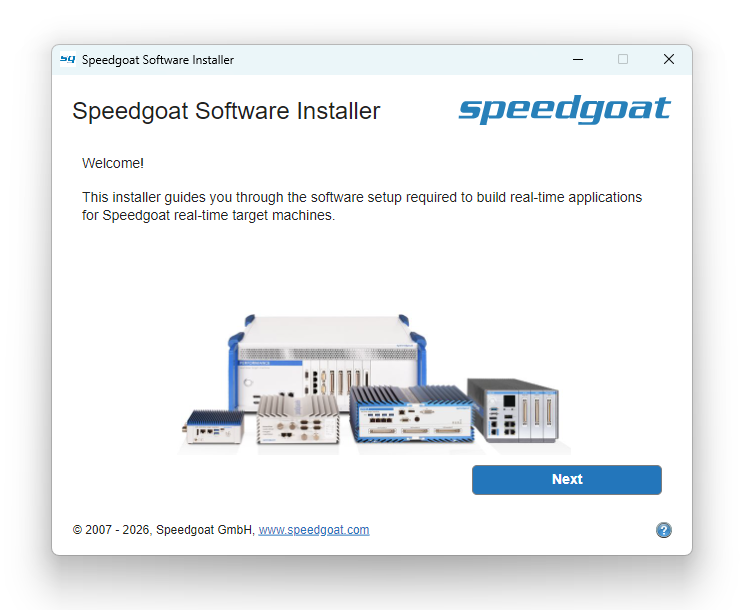
The Speedgoat Software Installer provides an intuitive and convenient way to
install the required Speedgoat software components.
In addition to the familiar Speedgoat I/O Blockset, it will also install the
Speedgoat Tools, which are required to build Simulink Real-Time applications with
MATLAB R2026a and later, and run them on Speedgoat systems. The Speedgoat Tools
replace the functionality provided by the Simulink Real-Time Target Support Package
used in R2025b and earlier.
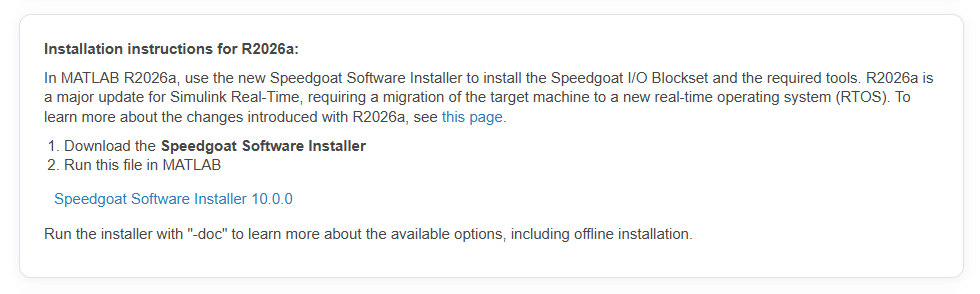
The installer is a small MATLAB p-file available in the Downloads section on the Speedgoat customer portal:
Supported Workflows
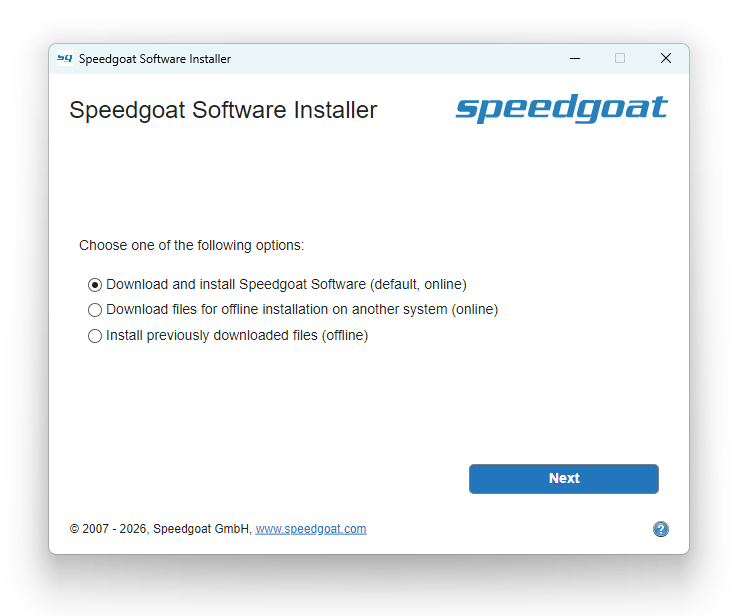
The installer can download and/or install the required software packages for the
version given in the installer file name. Select the desired workflow on the third
screen of the application or run the offline installation from the command
line.
Download and Install
Use this workflow to download the software archives from the Speedgoat servers
and directly install them on your host computer.
The installed software packages require ca. 12 GB of disk space, plus an
additional 6 GB during the installation.
The download typically takes about 2 minutes with a 500 Mbit/s internet
connection.
The installation takes about 5 minutes, depending on your development
computer's performance.
Download Only
If your MATLAB development computer is not connected to the internet, you can
use a different computer with MATLAB R2026a and later to download the required
software archives. They will be stored in a folder named
"sgOfflineInstallPackage". Transfer them together with the installer p-file to a
USB drive or similar and use the Install Offline workflow described
below.
The downloaded software archives require ca. 6 GB of disk space.
The download typically takes about 2 minutes with a 500 Mbit/s internet
connection.
Install Offline
Use this workflow to install the Speedgoat software on a development computer
that has no internet access or only a slow connection. Using the resources
downloaded previously with the Download Only workflow, run the installer again
on your offline development computer.
The installed software packages require ca. 12 GB of disk space.
The installation typically takes about 5 minutes, depending on your
development computer's performance.
Install Offline from the MATLAB Command Window
Use this workflow for your scripted offline installation. Use the GUI to
create an offline installation packet (Download Only) and then run the installer
p-file from the same directory in MATLAB:
>> speedgoat_software_installer_10_0_0 -noGUI -installOffline -acceptEula
To learn about all the available command line options, use the -doc option or
click the '?' symbol in the GUI:
>> speedgoat_software_installer_10_0_0 -doc