IO716 Usage Notes
IO716 Usage Notes — Usage information about the
I/O module
Configuration
![[Important]](images/important.png) | Important |
|---|
Turn off the real-time target machine before changing the
configuration. |
The I/O module is configured as a slave by default. You can change the
configuration by using a DIP-Switch on the SFP.
First pull back the yellow handle and remove the SFP from the I/O module in order
to access the DIP-Switch. Then remove the DIP-Switch cover to change the
configuration.
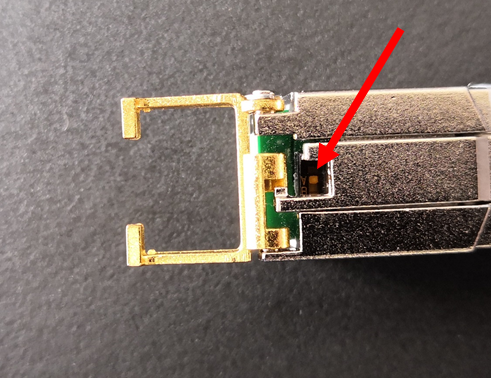
The picture above shows a SFP configured as a slave.
DIP-Switch position:
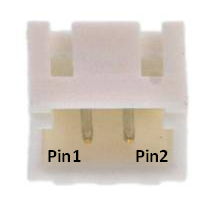
Connector
Front Plate
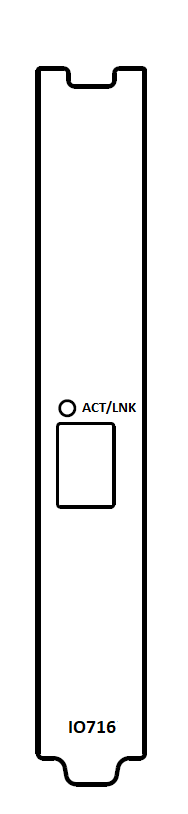
ACT/LNK LED: Ethernet Activity and Link LED
Solid green indicates that an Ethernet connection is established. Blinking green
indicates an active Ethernet communication on the port.